
The Cognitive Decelerator & Zero-Friction Study Engine
Upload your syllabus. Tell it how you feel. Oqira hands back one calibrated, survivable next action — adapting in real time to your energy, your time, and your stress.
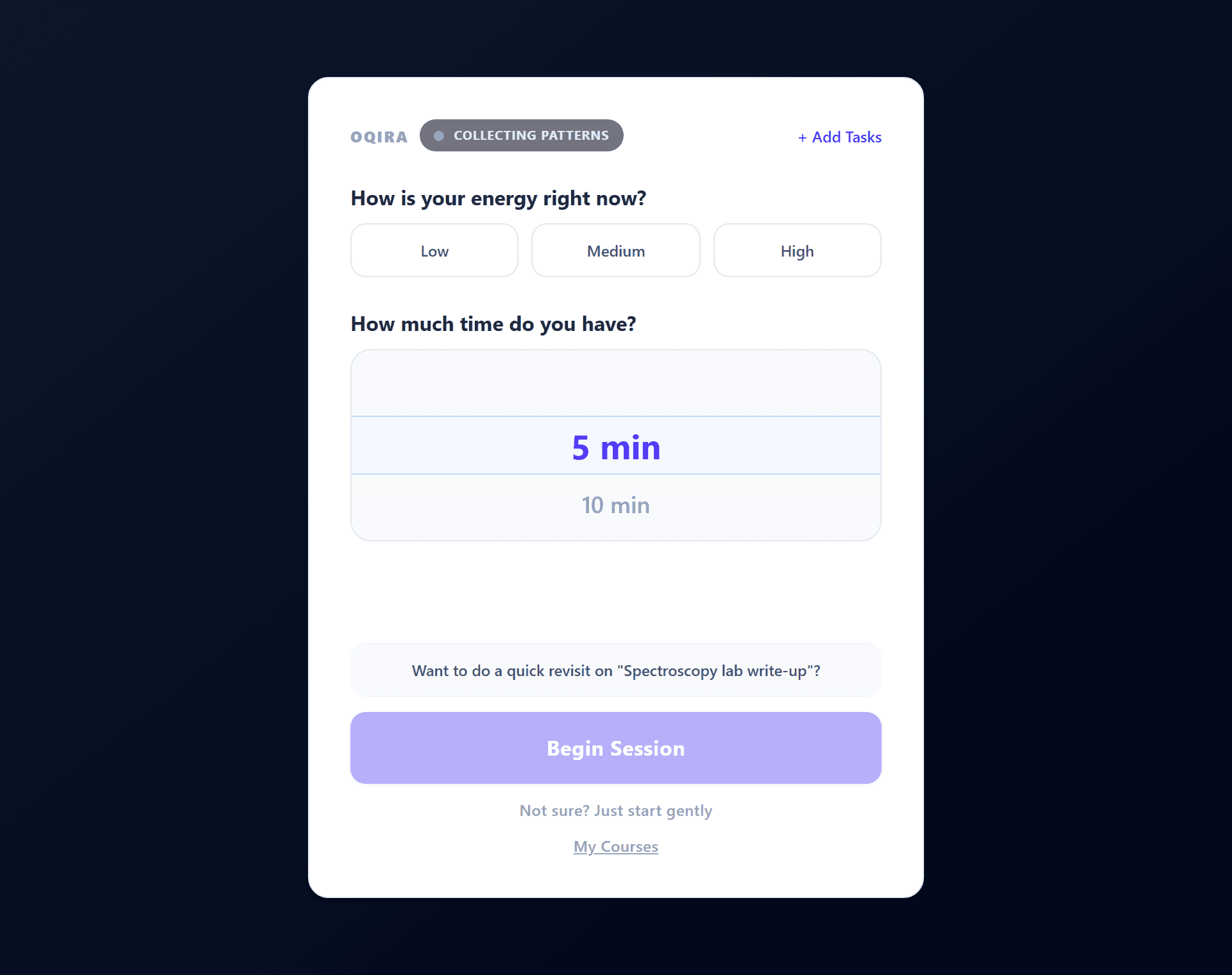
A peek inside
Calm by design
How it thinks
Three signals in. One next step out.
Most apps ask what you want to do. Oqira asks how you are — then does the deciding for you, so the hardest part of studying (starting) is already handled.
Energy
How much you've got — 3 taps
Time
5 to 120 minutes available
Anxiety
Read passively, never asked
A single, sized, survivable task — never a to-do list.
As friction rises, Oqira shifts modes — and at the top end, Rescue Mode steps in to slow everything down.
Core Features
Designed for how students actually study
The State Vector engine
Three inputs — Energy, Time, and Anxiety — drive one calibrated recommendation. Oqira picks the right task, sizes the session to fit, and adjusts difficulty so low-energy days still count.
Zero-setup syllabus parsing
Drag in a syllabus PDF or a photo. Oqira extracts topics, estimates cognitive load, and builds your entire backlog automatically — no configuration, no manual task entry.
Energy-aware micro-stepping
Every session is sliced to a survivable bite — clamped between 5 and 25 minutes based on how you feel. You see one task and a row of timer dots, never an intimidating wall of work.
Socratic AI tutor
Stuck? The tutor never hands you the answer — it asks the one question that gets you there. Brief, in first-person (“let's”, not “you should”), with a built-in offline fallback so it works without a connection.
Rescue Mode
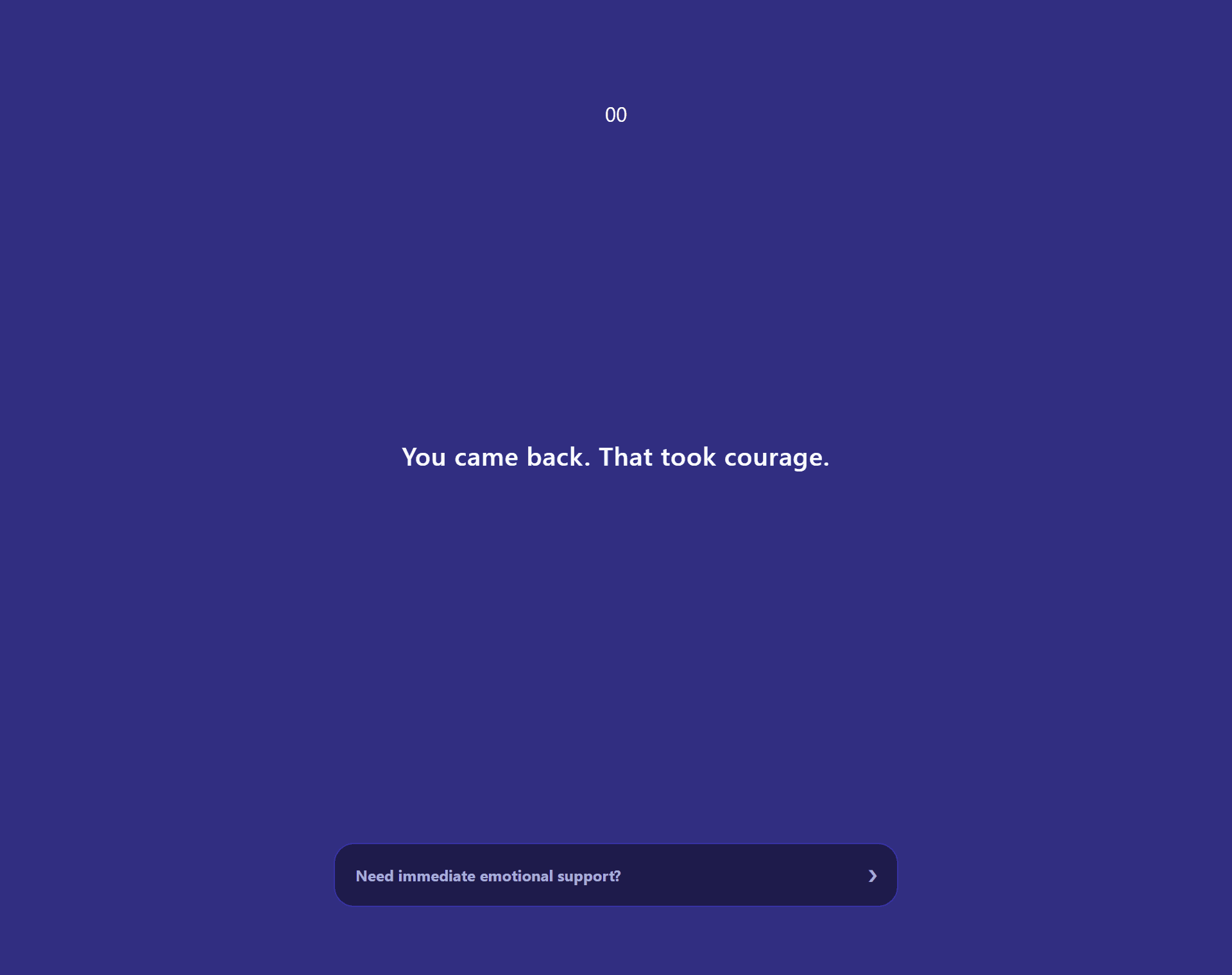
When overwhelm crosses the line, Oqira detects it and shifts into a calm indigo wash with guided 4-7-8 breathing and a softer next step. “You came back. That took courage.”
FERPA by architecture
The study engine runs on your device. When the tutor calls the cloud, it sends the problem text only — never your name, course, institution, or grades. Privacy is structural, not a policy line.
For the hard moments
When studying turns into freezing
Oqira watches for the behavioural signs of overwhelm. When friction crosses the line, it doesn't push harder — it slows everything down.
- A calm indigo wash and a 4-7-8 breathing guide
- The task shrinks to something survivable
- No streaks, credits, or numbers — ever — in this moment
Every stage
One engine, three ways to study
From a high-schooler with a syllabus to a PhD candidate with a research problem — Oqira adapts its intake and its tutor to where you are.
K-12 · Undergrad
Syllabus track
Drag-and-drop a syllabus. Hard exam deadlines and grade weights are extracted automatically; the tutor scaffolds like a patient teacher.
Masters
Manual track
Add work by name and importance when there's no formal syllabus. Soft deadlines, importance-mapped priority, same calibrated sessions.
PhD · Research
Research track
A project tree of milestones and tasks. The co-pilot becomes a thinking partner: “What's the smallest thing you need to decide to make progress?”
How It Works
Three steps to zero friction
Upload & setup
Drop in your syllabus PDF or photo. Oqira parses your whole course into structured tasks with estimated difficulty — no manual entry, no configuration.
Check in
Before each session, tap your energy and set your time. The State Vector engine selects the optimal task and sizes a bite you can actually finish.
Study & adapt
Work through the task with a Socratic tutor when you're stuck. Oqira tracks your responses, updates its model of you, and reschedules future reviews automatically.
Pricing
Start free. Pay only for the tutor.
The full study engine — State Vector, micro-tasking, Rescue Mode — is free forever. Paid tiers fund cloud tutoring credits when you want deeper help.
Free
The full core product, forever.
- ✓State Vector engine & micro-tasking
- ✓Rescue Mode + somatic resets
- ✓Syllabus parsing
- ✓100 tutoring credits / month
Starter
Cloud tutoring across every supported subject.
- ✓Everything in Free
- ✓300 tutoring credits / month
- ✓Cloud Socratic tutor, all domains
- ✓Speech, iCal & sketchpad add-ons
Plus
Advanced and graduate-level content.
- ✓Everything in Starter
- ✓1,000 tutoring credits / month
- ✓Advanced STEM & graduate routing
- ✓Hybrid confidence routing
Unlimited
For heavy daily users.
- ✓Everything in Plus
- ✓3,000 credits / month
- ✓On-device LoRA personalization
- ✓Priority new-feature access
Semester passes are available at a lower effective monthly rate, with localized pricing for launch markets. Tutoring credits fund cloud AI calls and refill monthly; the on-device engine is always free.
FAQ
Questions & answers
The study engine — task selection, pacing, and Rescue Mode — runs entirely on your device. When you ask the tutor for help, only the problem text is sent to a cloud model; your name, course, institution, and grades never leave your machine. It's FERPA-compliant by architecture, not just policy.
Availability
Oqira is coming soon
Oqira is still in active development. Leave your email and we'll notify you the moment downloads go live.